My take on Photoshop meets Sin City
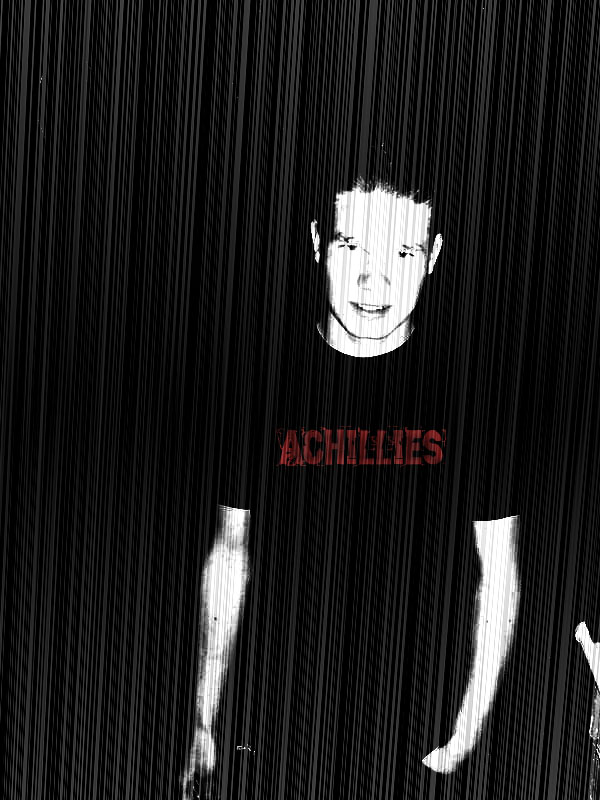
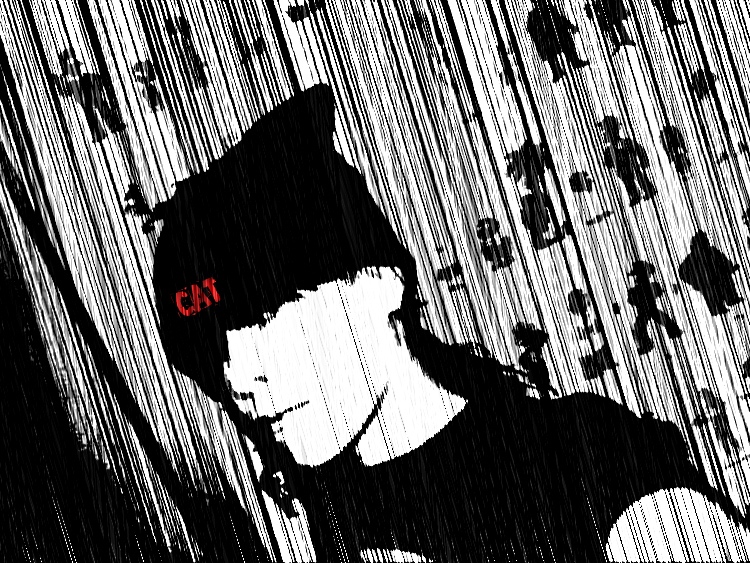
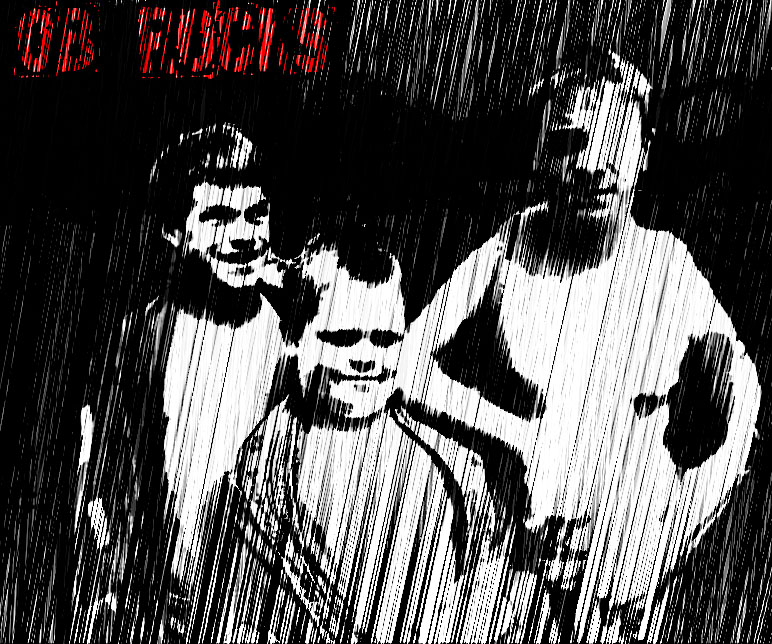
So, as some of you might know, there have been a few Photoshop tutorials online that show you how to take a picture and turn it into a Sin City screen cap. I’ll tell you right now that most of my Photoshop skills are sub-par, but every now and then I do get lucky and make or edit a really cool picture. This whole Sin City conversion is not one of them. Heh, well sometimes.
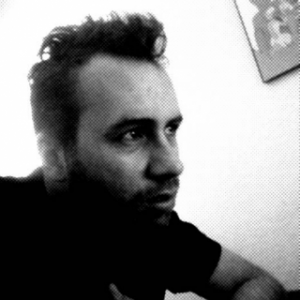
With a little practice and the right pictures, I was able to create a couple cool Sin City screens out of photos of my some of my online buddies from PortalForums.net. I only did one of myself because I actually don’t have a lot of pictures of me. I guess I’m usually the one taking the picture. I really do like the way a lot of pictures look after the Sin City enhancement and most of them look better than mine, but I’m learning. Anyways, check out the pictures below and tell me what you think (I’m good at criticism). You can also check out these tutorials here and here.
I’ll probably post some more when I can get some other good pictures. Really the best pictures include a bright foreground (face) with a dark background. If I continue doing more Photoshop stuff like this, then I may add a new section to my gallery and publish my pictures in there.