
Meet my new computer – Stealth
It’s been close to three years since I built my last gaming PC, and though that computer still kicks ass at most games, it’s starting to show its age with next-gen titles. I first knew it was time to start looking at a new computer when I installed and played Bioshock; a great game that forced me to turn down the graphical setting in order to get a decent frame rate. Next, was the Crysis demo which officially gave my computer a heart attack when I tried to run it at High settings and resolutions.
There were also several other next-gen games out there that I’ve yet to try including the new Unreal Tournament, Hellgate: London, and Jericho. And let’s not forget the yet-to-be-released games (or demos) like Assassins Creed and Alan Wake. Both games look amazing, and both games probably would of caused Big Blue to poop itself if I tried to run them at medium-high settings. I just couldn’t have that.
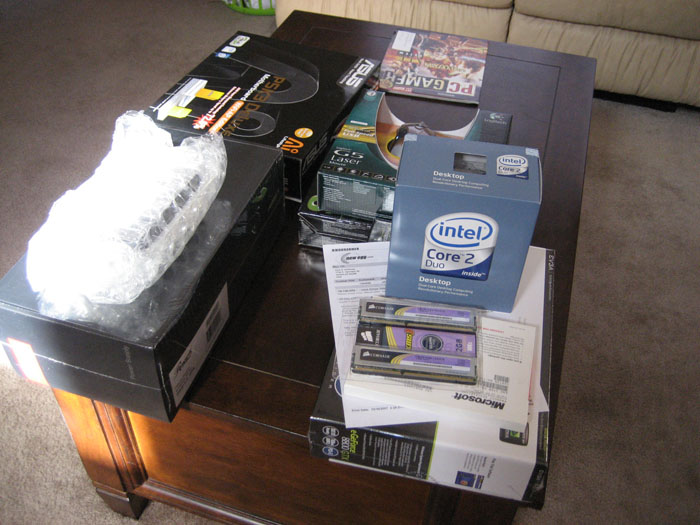
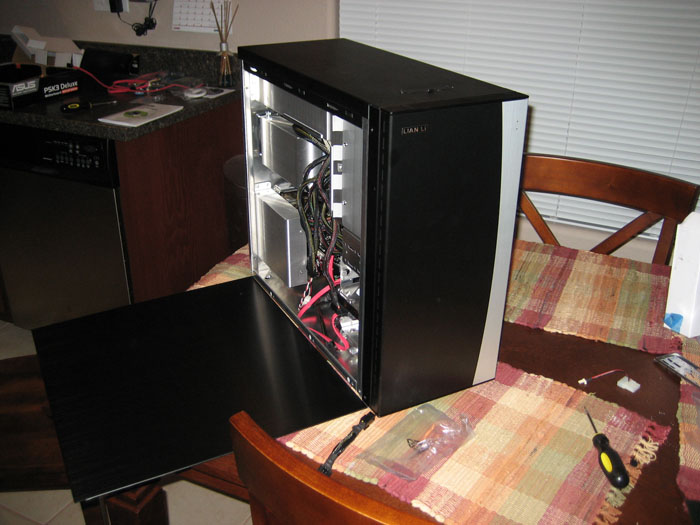
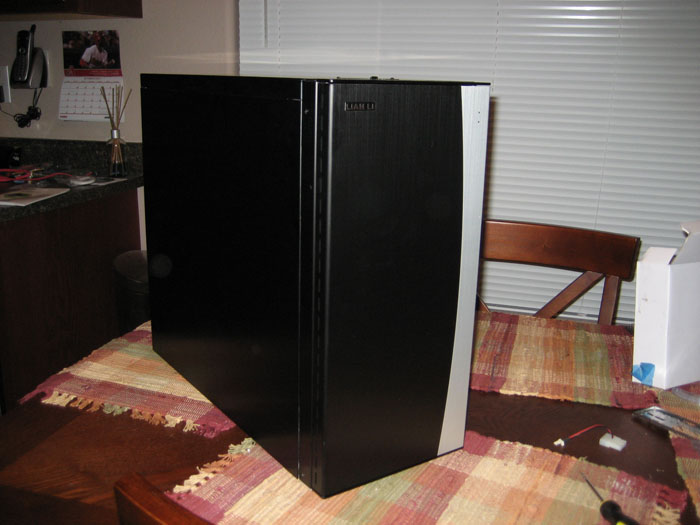
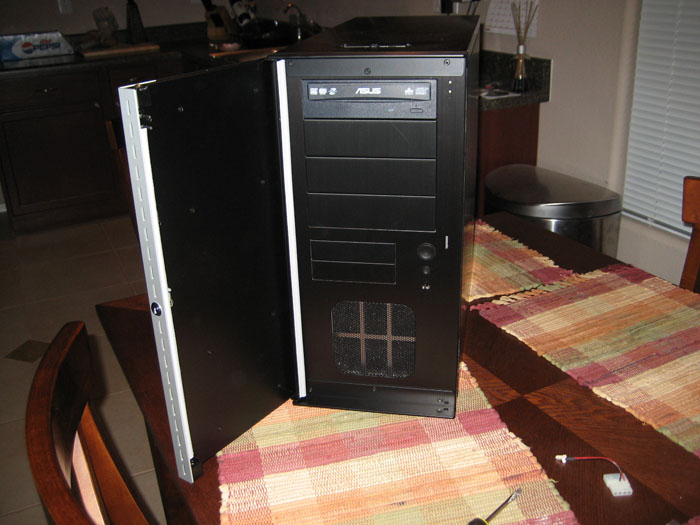
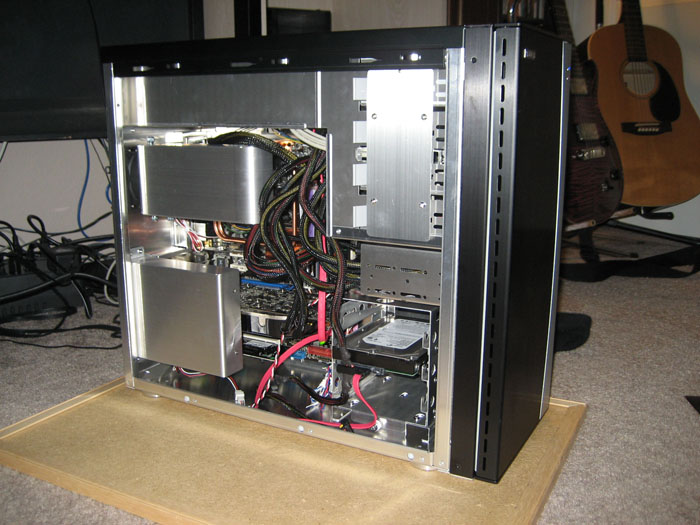
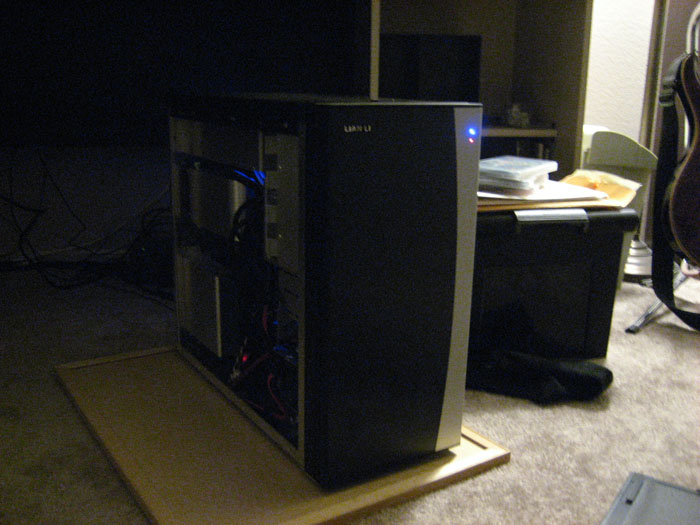
And so I built a new gaming PC which I’m calling Stealth. Why Stealth? Well, for obvious reasons including it’s extremely quiet and black case as well as its speedy innards. No fancy LEDs or side windows here. Just a damn sleek looking computer. Below are the specs of Stealth:
- CPU – Intel Core 2 Duo E6850 3.0Ghz
- Motherboard – ASUS P5K3 Deluxe with DDR3 dual-channel memory (corrected)
- RAM – 2GB dual-channel DDR3 (1333Mhz)
- Graphics – Nvidia GeForce 8800GTX 768MB DDR3
- Storage – 750GB SATA
- Sound – SoundBlaster X-Fi XtremeGamer
- Case – Lian Li PC-B20B Aluminum Mid-Tower
I got all the parts last Friday and put the computer together that night. I ordered all the parts from NewEgg and I must say, they are by far the best online store for computer electronics. They shipped all my parts the same day I ordered them and I received them a few days later. I definitely recommend NewEgg to anyone looking to by some electronics.
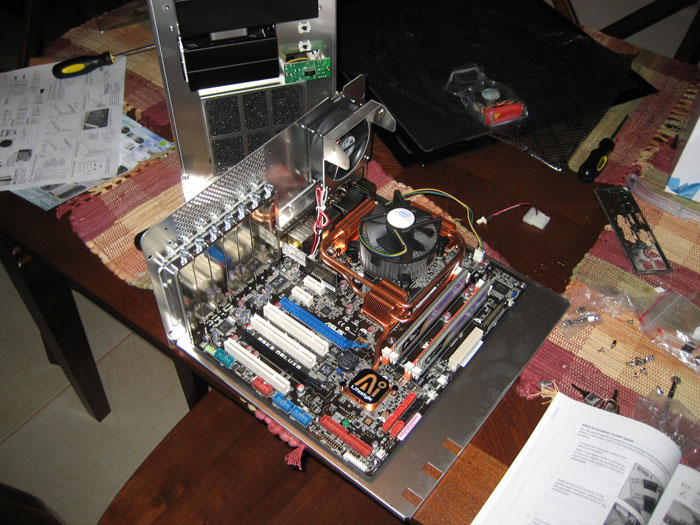
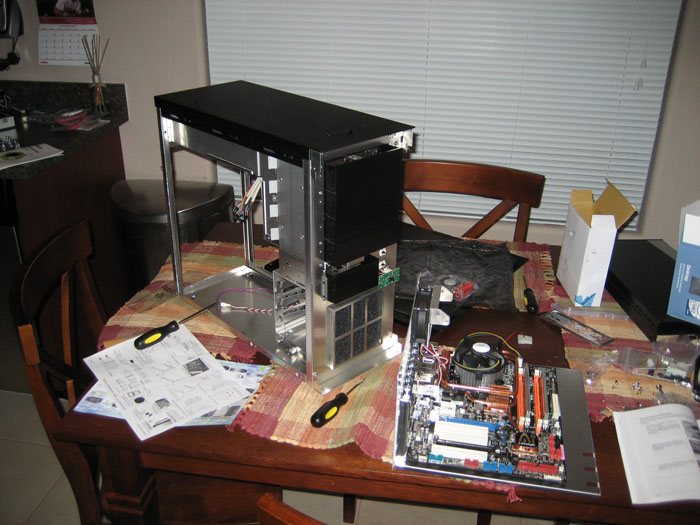
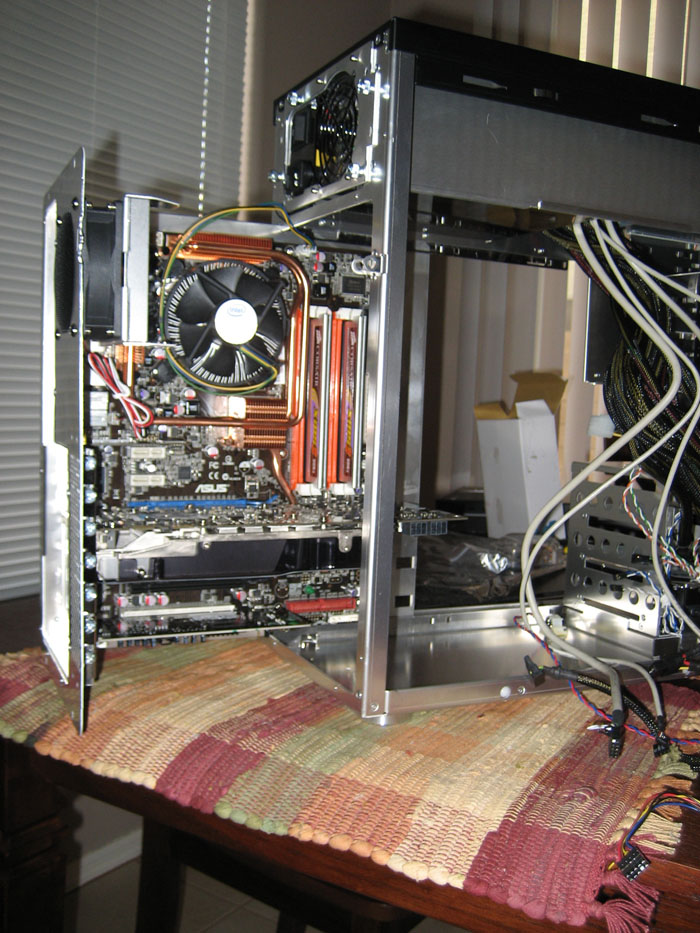
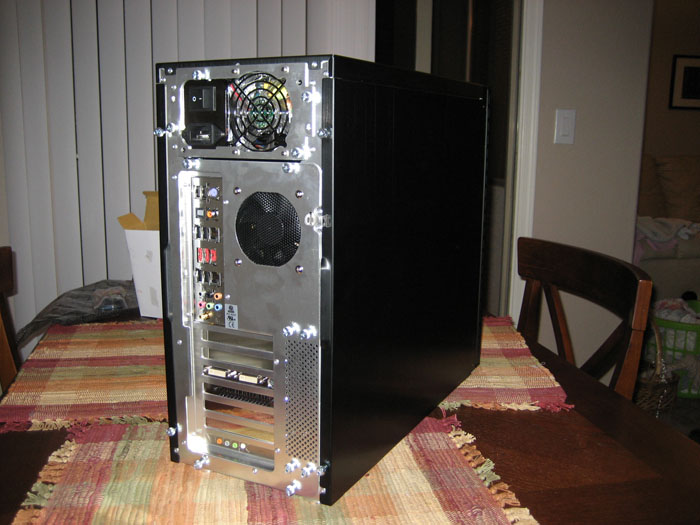
When building my computer I immediately noticed the quality of my PC case. It was the most I’ve ever spent on a case that didn’t include a power supply. It’s just a very well designed case. It has a smooth, brushed looking black exterior, and solid aluminum innards. When I say solid aluminum, I mean everything is metal on this case. There are no cheap plastic pieces. There are also no sharp edges that I could find. Everything was very well rounded and smoothed out. Everything also fit perfect and snug in the case including the power supply, optical drive, and hard drive. The case also comes with a slide out motherboard tray which made putting the PC together a breeze. I’m glad I spent the money on this case and have yet to have any regrets about it.
As for performance, I’ll just come out and say this system kicks ass! I haven’t done any real legit benchmarking with it yet, but I have played through some games. With Half-Life 2: Episode Two I can play at 1600+ resolution with AA set to 4x and AF set to 16x. With Bioshock I can play at 1600+ resolution with all settings set to high or on and in DirectX 10 mode. And with Crysis I can play at 1280×800 resolution, 2x AA, and all advanced settings set to Very High, except for one or two (I forget which ones, which I lowered to High instead). All games are getting over 30 frames per second. I can’t help but smile as I type this.
Finally, below are some pictures of my new baby and all its awesome-ness. This computer will definitely last me at least as long as my previous one did.